
What you need to know.
From a viewer's name to a colourful desktop keepsake: a simple, transparent workflow for LIVE requests, custom lettering and maker-reviewed gifts.
- A good personalised name starts with readable lettering, a stable base and clear size and colour choices.
- A virtual LIVE print preview is not proof that a real item has been made; physical orders need separate approval and fulfilment.
- Moderate requests and keep real addresses, payment details and customer identity out of the public LIVE display.
- For a finished gift, confirm dimensions, material, lettering spelling, production time and UK order terms before paying.
How does a personalised 3D printed name work on LIVE?
A viewer suggests a name, a maker checks the spelling and suitability, selects a design, previews the virtual build and only then discusses an actual made-to-order item.
A name sign can turn an ordinary filament print into something personal. Lettering rises from the build plate; colours change across layers or between letters; and a finished shape becomes a desk accessory, gift tag or small wall decoration. A livestream adds the fun of watching the idea take shape in real time, but it should never blur the line between a cinematic simulation and a real machine producing a purchased object.
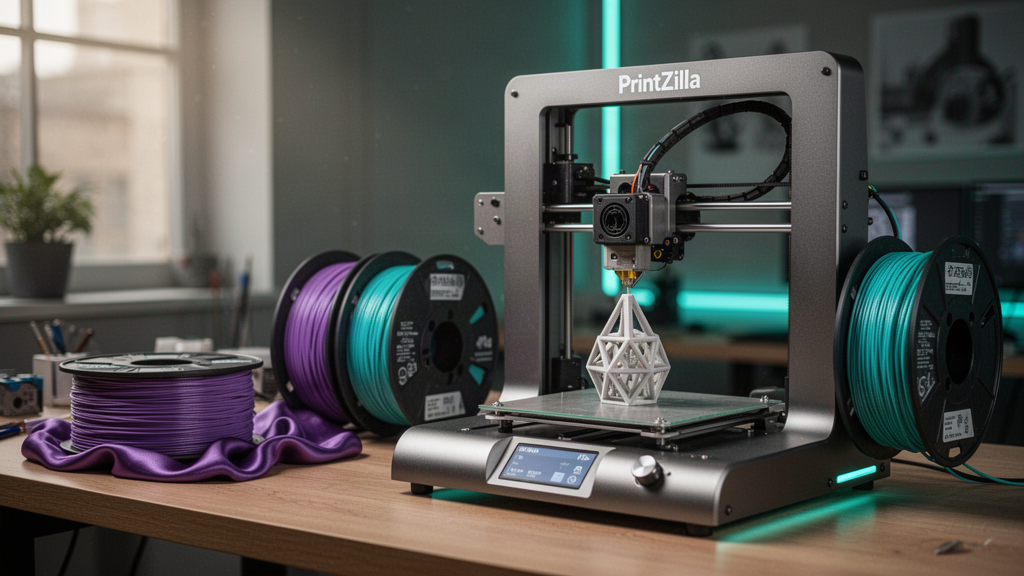
A transparent process starts with a moderated name request, moves through a simple design and colour choice, and offers an honest preview. The maker then checks dimensions, material, print feasibility and delivery before accepting a physical order. This is the approach the PrintZilla LIVE Studio is built to explore: entertaining viewers without automatically treating every comment as a purchase.
Which name style looks best as a 3D printed gift?
| Name design | Best use | Design challenge |
|---|---|---|
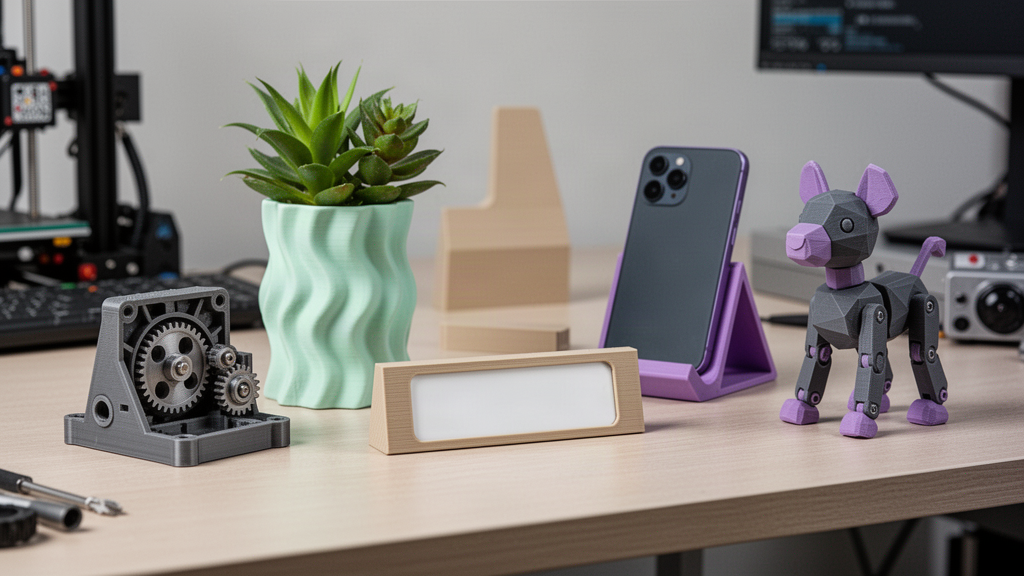
| Flat nameplate | Desk label, small keepsake or gift tag | Letters must be large enough to read |
| Key tag | Bag, key or accessory identifier | Hole position, edge strength and overall size |
| Standing desk sign | Shelf, workstation or gaming setup | Stable base and upright proportions |
| Layered two-colour lettering | Colourful gift or stream reveal | Extra material changes and alignment |
Choose a font that keeps the letters clear after printing. Very thin strokes, delicate serifs and tiny enclosed gaps can disappear when the slicer converts the design into actual nozzle paths. A broader connected script may be easier to print as one piece, while separate block letters may need a backing plate. Test names with awkward letter combinations rather than designing only around a pretty five-letter example.
The safest design is not always the fanciest. A clear nameplate with a consistent border and a properly supported hole or stand often makes a better everyday present than a complex floating script. If the sign is for a young child's room, avoid sharp edges, removable tiny pieces and assumptions that a desk ornament is a toy.
How do filament colours and finishes change the result?
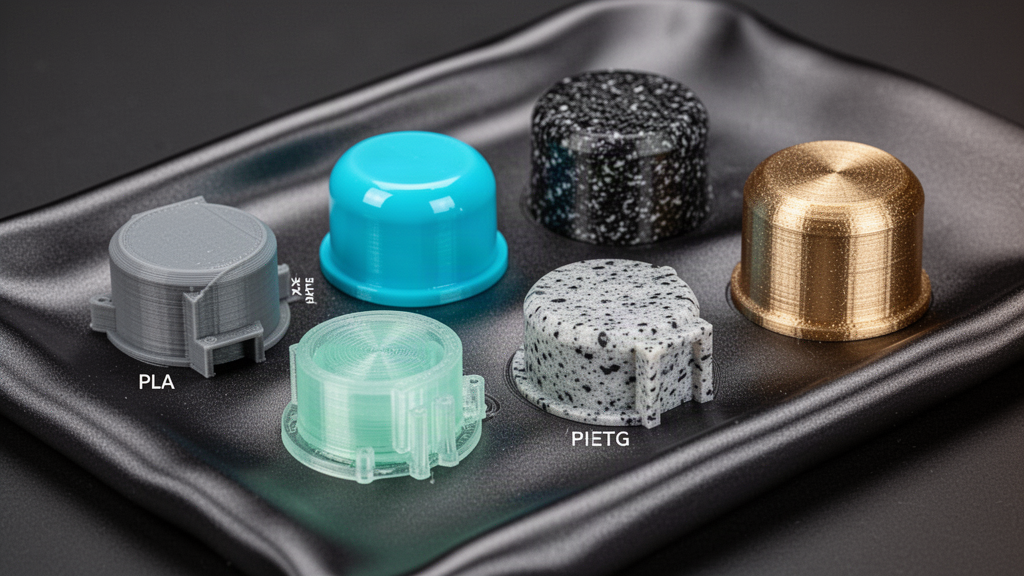
Single-colour PLA is often a manageable starting point. Two colours can make a raised letter stand out against a backing plate, while multiple reels can create alternating bands or accents. Depending on the actual printer, a colour change may require a pause, a compatible multi-material unit or a carefully designed separate assembly. It is important not to confuse the colours a 3D simulator can display with colours your real machine can reliably manufacture.
Matte pastels keep letterforms readable under bright room lighting. Silk and metallic-effect filaments can produce dramatic camera highlights, but often reveal seams and surface ridges more strongly. Glow-style filaments or speciality particles may require particular nozzle hardware and handling. Ask which materials are actually available for the proposed job, and agree on a physical sample when colour accuracy is important.
What is really happening in a virtual TikTok LIVE printer demo?
The PrintZilla LIVE experience can show a simulated printer, animated filament deposition, motor movements, camera views, and a finished product reveal. Those are visual demonstrations, not automatically connected live telemetry from a customer's real printer. The design may look complete on screen while no physical manufacturing job has been authorised. A creator should make that distinction prominent, especially when viewers are deciding whether to pay for a gift.
If a physical printer is used in a later, separate production workflow, show only verified information and identify real-time footage honestly. A video loop or virtual toolpath should not be described as someone else's order actively printing. The fastest, smoothest demonstration is useful as a way to choose a design, while physical lead times depend on actual machine capacity, material and maker inspection.
How do you handle LIVE name requests safely and respectfully?
A public comment is not permission to broadcast a customer's private details. Moderate names before displaying them, reject hateful or inappropriate submissions, and do not show home addresses, payment data, email addresses or private order notes on the stream. When a nickname may identify a child, use extra care. Keep customer contact and fulfilment information in a private checkout or enquiry workflow rather than in the comments.
TikTok's LIVE safety guidance covers moderator controls, protecting personal information and the difference between a public real-time broadcast and edited video. Review current platform rules before going live because access, commercial disclosures and features can change. Do not pressure viewers to send virtual gifts in exchange for promised physical products; make purchase terms independently understandable and consent-based.
- Confirm the requested display name is appropriate before making it public.
- Separate display nicknames from real customer records and addresses.
- Never claim a donation or gift has purchased an item unless the actual purchase process and terms support it.
- Allow a clear way to edit spelling or withdraw a request before any physical production begins.
- Use a moderator or queue so unexpected comments cannot take over the print overlay.
What makes a nameplate actually printable rather than just pretty?
Real-world printing needs a suitable font thickness, enough base area to adhere to the plate and a model that fits within the machine's build space. Overhangs, isolated letter islands and decorative loops may need temporary supports or different orientation. If the name is used on a keyring, the attachment hole must be properly designed and its material chosen for repeated use. If it sits upright, its centre of gravity matters.
The slicer must preview closed letter walls, top layers, colour changes and any bridges correctly. Fine layer height can soften the visible steps, but it will not rescue an extremely thin stroke that the nozzle cannot lay down. If you plan to order multiple names, standardise size bands and font presets so each request can be checked quickly without assuming every word will print identically.
What should UK customers check before ordering a custom 3D printed gift?
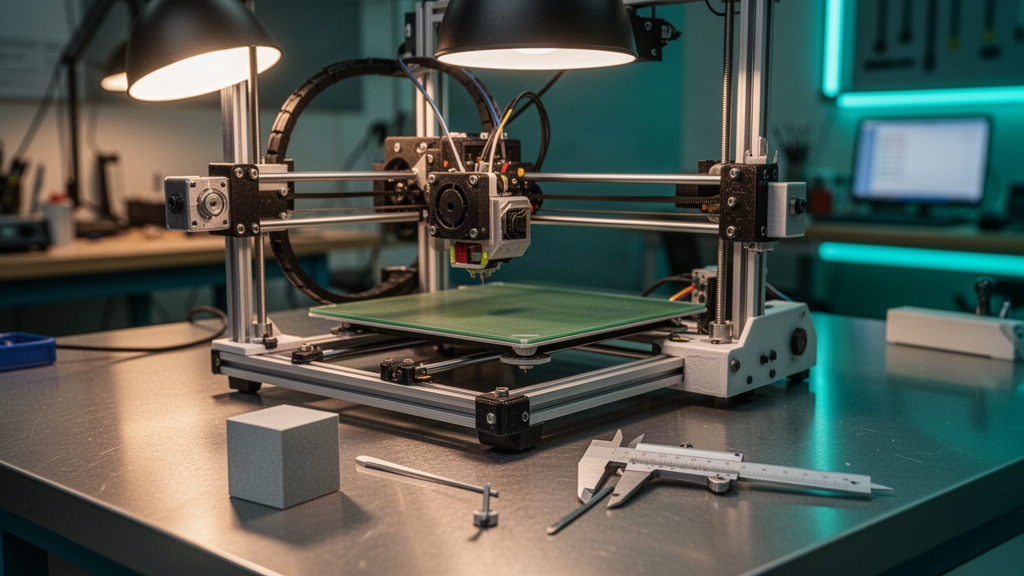
Ask for the final spelling, dimensions, material, colour choices, mounting method, expected delivery window and the total confirmed price. A screenshot of a virtual reveal is not the final production specification. A real order should clearly distinguish a bespoke design fee, printing, post-processing and shipping where relevant. The maker should confirm the design before the job is started to avoid paying for a sign with a misspelt name.
In the UK, cancellation rights for personalised or custom-made goods can differ from ordinary distance-sale returns. That does not erase customers' legal rights if goods are faulty or not as described. GOV.UK explains the distinction; read the seller's terms and delivery details before placing the order. If an item will be used by children or installed on a wall, discuss safe attachment and age suitability as part of the design.
A simple workflow for a polished LIVE name-printing session
- Prepare a short list of approved designs with large, legible text.
- Keep the TikTok portrait canvas clear so the virtual or verified real printer stays visible.
- Collect names through a moderated request workflow, not an unrestricted public address form.
- Preview spelling, colour, finish and intended style with the viewer.
- Clearly label simulated progress and physical production as different stages.
- Save approved requests and ask separately for any real-world quote or purchase details.
- Review the final digital design, manufacture only approved orders, and share a clear fulfilment update.
The aim is to make viewers understand the product quickly, not overwhelm them with twenty effects. Keep the printer visible, give each name a clean hero moment, and use a simple camera move when the layered lettering becomes legible. A strong maker stream tells a clear story: idea, design, responsible approval and result. Your article, shop and LIVE request pages should work together so that a viewer can learn more without guessing which stage is real.
Frequently asked questions
01Can I request my name in PrintZilla's TikTok LIVE demonstration?
The site includes a moderated virtual name-request workflow. Requests are reviewed before presentation and do not automatically place or pay for a physical print order.
02Does a name printing on the screen mean my order is being manufactured?
No. The cinematic virtual printer is a demonstration. Actual manufacturing requires separate approval, verified machine work and a confirmed order.
03Can I choose two or more colours for a 3D printed name?
Virtual previews can demonstrate multiple colours. A real multicolour product depends on the printer, filament choices, design and approved manufacturing plan.
04Are personalised 3D printed gifts returnable in the UK?
Custom-made items may be exempt from certain change-of-mind cancellation rights, but fault and misdescription protections still apply. Check current UK guidance and the confirmed seller terms.
Sources and useful references
We link to official documentation and publisher guidance where useful. Advice and platform features can change; verify current details with the original source, your printer maker and relevant service provider.
See your name take shape in the LIVE studio
Explore a moderated virtual name-printing request, choose a style and get inspired before agreeing any real custom-made purchase.
Open the LIVE name studio