What you need to know.
Five very different sub-£500 UK FDM machines, compared for first-time makers, larger prints, ease of use and room to grow. No invented hands-on testing.
- The best sub-£500 printer depends more on your print size, material and appetite for setup than headline speed.
- For a smaller beginner workspace, the Bambu A1 mini is one value-oriented candidate.
- For medium-size objects and simpler setup, the full-size Bambu A1 deserves comparison.
- For larger prints or a CoreXY motion system, consider the Elegoo Neptune 4 Plus or Flashforge Adventurer 5M, respectively.
Our selection method, prices and important caveat
This is a researched UK buying shortlist as of 13 October 2026, based on manufacturer-published product details and listed prices, not a claim that PrintZilla purchased or independently lab-tested all five printers. Sale prices, variants, stock, shipping and bundles change. Confirm the current full checkout total, warranty, delivery and accessories before buying.
We prioritised useful differences: reliable first-print workflow, build volume, maintenance burden, material flexibility, noise, space needed and value for a UK hobbyist. We are not ranking on the biggest advertised millimetres-per-second number. Maximum travel figures are not a promise of typical high-quality print speed.
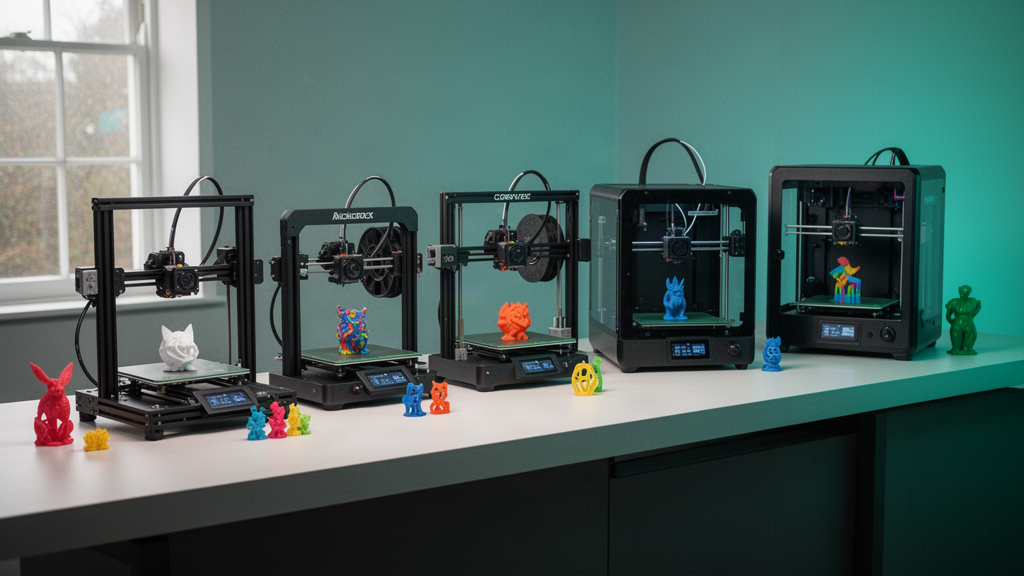
The five-printer shortlist at a glance
| Printer | Published UK listing* | Best starting point |
|---|---|---|
| Bambu Lab A1 mini | Around £169 | Small-space beginners |
| Bambu Lab A1 | Around £259 | All-round first printer |
| Flashforge Adventurer 5M | Around £259 | Compact CoreXY speed and quick-swap nozzle |
| Elegoo Neptune 4 Plus | Around £279 | Larger-format practical prints |
| Creality K2 SE 4C | Around £359 | Beginners exploring multicolour options |
*Prices are indicative figures observed on official UK manufacturer listings when researching this article in October 2026, not live offers, guaranteed availability or independently checked final baskets. A printer with an AMS/CFS bundle can have a different price from the base machine. Always check the exact variant.
1. Bambu Lab A1 mini: friendly entry point for small spaces
The A1 mini makes sense for someone who wants a compact first printer and does not need large props or enclosures. Its official UK product page highlights full-auto calibration, active flow compensation and a four-colour AMS lite option when you choose the compatible Combo bundle. The listed non-Combo model was around £169 at research time.
Why consider it: smaller footprint, guided calibration and a gentler learning curve. Watch-outs: compact build volume and the usual material limits of an open-frame machine. If you plan to print long brackets or large cosplay parts, compare the usable dimensions before falling for the price.
2. Bambu Lab A1: strong all-round family and hobby choice
The A1 offers a larger 256 × 256 × 256 mm build volume on the manufacturer's published specifications, alongside full-auto calibration, active flow compensation and quick-swap nozzle features. The official UK page showed a base listing around £259 when checked. The AMS lite multicolour hardware belongs to the Combo configuration, so do not assume it comes with the base printer.
Why consider it: enough space for a wider spread of home projects without jumping to an intimidating industrial-style machine. Watch-outs: give the moving bed room, check its recommended materials and ventilation, and compare total cost if you really need multicolour.
3. Flashforge Adventurer 5M: approachable CoreXY design
Flashforge’s Adventurer 5M is a compact CoreXY machine with a published 220 × 220 × 220 mm print volume, quick-swap nozzle concept and an official UK listing around £259. Its manufacturer advertises very high maximum motion speeds, but final appearance depends on material, extrusion rate, cooling and the sliced model.
Why consider it: interesting motion architecture and convenient nozzle maintenance without immediately entering a premium price tier. Watch-outs: check whether the base model's enclosure, camera or additional accessories are included or sold separately; variants and bundles are not interchangeable.
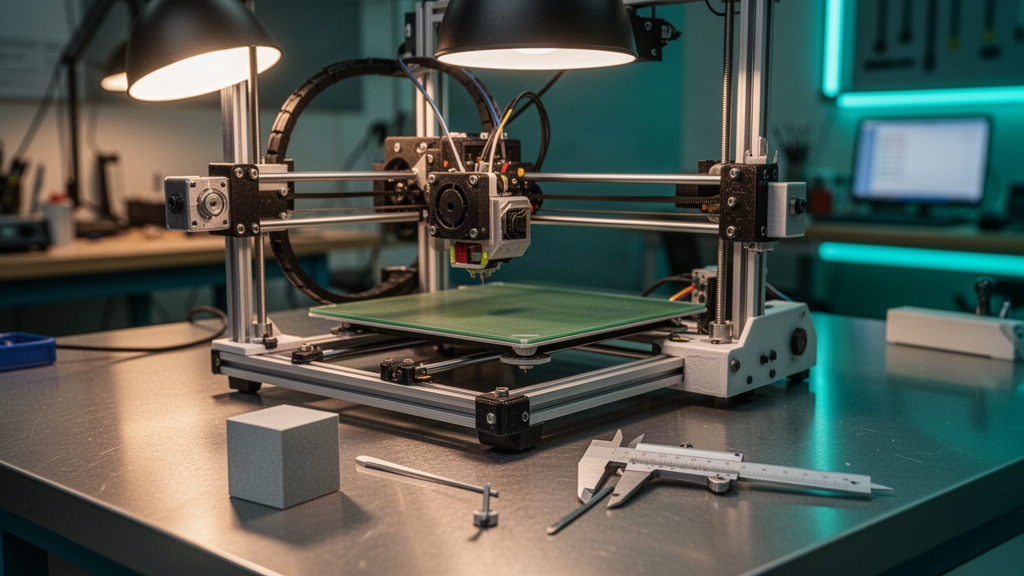
4. Elegoo Neptune 4 Plus: more room for ambitious projects
The Neptune 4 Plus is a large-format FDM candidate with a published 320 × 320 × 385 mm build volume and automatic bed-levelling features. Its official UK listing was around £279 when researched, although promotions change. The larger print area suits bulky boxes, signage and some repair prototypes that may not fit compact printers.
Why consider it: volume per pound. Watch-outs: a larger moving bed needs more physical clearance, careful first-layer checks and often longer setup and print times for large objects. Bigger is useful only if the room and the projects justify it.
5. Creality K2 SE: a route into more ambitious colour workflows
Creality’s K2 SE series has a manufacturer-listed 220 × 215 × 245 mm build envelope. The 4C variant was listed around £359 in the UK during research. Creality lists other variants, including a Combo offering with CFS hardware, so confirm exactly which filament-handling features are present in the item you select.
Why consider it: modern controls and potential colour experimentation at a lower midrange budget. Watch-outs: check the detailed compatibility and bundle contents; an appealing feature demonstrated with optional accessories may not exist on the cheapest configuration.
What matters more than speed when spending £500?
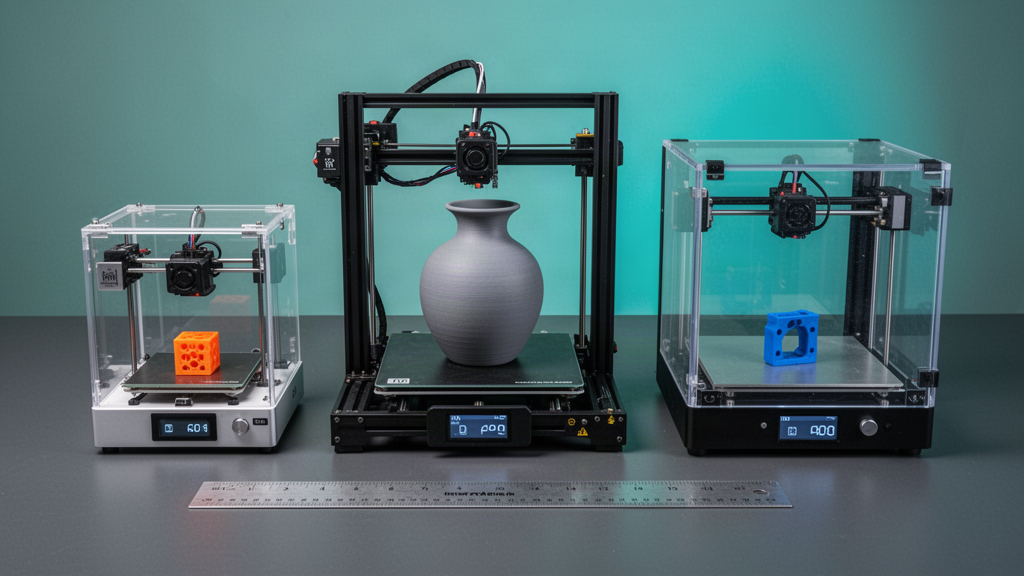
- Build volume: measure the largest item you genuinely expect to make, not just an occasional dream project.
- Setup and calibration: a guided first print and accessible support documentation may save hours.
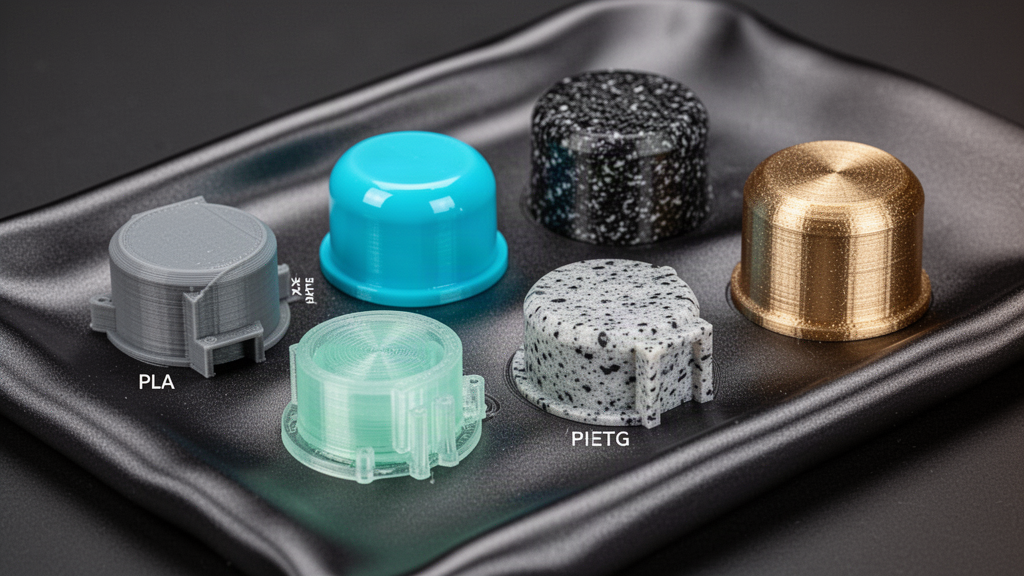
- Filament compatibility: check which materials need an enclosure, hardened nozzle, ventilation or different bed.
- Noise and space: moving beds, fan noise and ventilation matter in bedrooms and shared homes.
- Maintenance: nozzle access, spare-part availability and how easy it is to replace a build plate.
- Software workflow: verify your computer/phone support, profile ecosystem, network preference and offline options.
- Total ownership cost: extra nozzles, textured plates, dryers, filament, electricity and failed prints can add up.
Buying a 3D printer can become its own hobby, which is brilliant if you enjoy learning machinery. But if you want one bespoke gift or replacement part, commissioning a reviewed print may be faster and more economical.
Our practical recommendation by type of maker
- Small-space beginner: start by comparing the A1 mini against the footprint and parts you want to produce.
- Everyday all-round maker: compare the A1 with the Adventurer 5M, considering bed movement versus CoreXY.
- Large projects on a strict budget: look closely at Neptune 4 Plus and measure your available room.
- Colour-curious buyer: compare exact A1 Combo/AMS-lite and K2 SE/CFS configurations, not the base prices shown in advertising.
- Unsure you need a printer: try a virtual demonstration or get a one-off model reviewed by a print service first.
Before ordering, write down your three most likely projects and compare their actual printed dimensions with each machine’s usable volume. Account for moving-bed clearance, spool position, ventilation and the space needed to remove finished parts. Read current owner documentation and check whether the replacement nozzles, build sheets and spare parts are affordable in the UK. A printer that comfortably produces your everyday object is more useful than one that looks astonishing in a speed demonstration but constantly needs tuning. If a bundle appears dramatically cheaper than another offer, confirm whether the enclosure, multicolour feeder, camera or filament are truly included. This five-machine guide is a selection framework, not a substitute for checking live inventory and independent long-term owner reports.
Check the official UK listings before buying
Our sources below link to official UK manufacturer pages for the five shortlisted machines. They are the best place to verify the latest pricing, exact accessory bundles, delivery terms and any revisions. Price-comparison sites can help with context, but they should not replace checking the product page you actually order from.
PrintZilla does not sell these brands as part of this guide or claim to have independently benchmarked them. As we expand our editorial library, product rankings will be updated when meaningful models or evidence change.
Frequently asked questions
01Which 3D printer under £500 is best for a beginner?
For compact, guided PLA printing, the Bambu Lab A1 mini and A1 are sensible machines to compare. Decide based on intended print size, space, support and total bundle cost.
02Do I need multicolour printing?
Not for most first projects. It can be valuable for signs and decorative prints, but compatible add-ons may add cost, time and filament waste.
03Are these current guaranteed UK prices?
No. They are indicative prices observed on official UK manufacturer listings during the October 2026 research. Check the model variant, stock and checkout total before buying.
04Will every £500 printer make identical quality prints?
No. Materials, calibration, cooling, machine design, slicer settings and maintenance all influence the result. Published maximum speed does not establish typical print quality.
Sources and useful references
We link to official documentation and publisher guidance where useful. Advice and platform features can change; verify current details with the original source, your printer maker and relevant service provider.
Explore a printer before committing £500
PrintZilla’s virtual studio helps you understand toolpaths, build plates, filament reels and camera angles. Need only one part? Request an actual print review.
Try the 3D printer simulator